Inbox zero is something people love to talk about, but it remains elusive for many of us. That need not be the case any longer.
Audrey Thomas, founder of Organized Audrey, recently shared tips in an FICP webinar on how to achieve inbox cleanliness and how to maintain it. With proper use of the calendar, task feature and rule creation, you’ll be an expert at Outlook in no time.
Busy event professionals seem to perpetually be waiting for a very important email. Rather than being on constant watch, set parameters around that specific person’s email address to make sure you receive it. The steps are as follows:
- Right click on person’s email in inbox, select Rules, then select Create Rule
- Click the top box to identify who the email is from
- Choose to have your notification from said person play a distinct sound and/or send it to a specific folder so it doesn’t get lost.
Saving an email without it’s attachments—and storing the attachments elsewhere—doesn’t need to be a hassle. Simply:
- Right click on email attachment
- Choose “Save As”
- Choose the folder to save attachment in
- Right click the URL to show saved location
- Click “Copy Address”
- Return to the original email
- Right click the end of subject line
- Type ”Attachment Saved”
- Right click and paste URL address to show saved location
- Right click on email attachments and select “Remove Attachments”.
Calendar
Nothing beats a great time-saving feature. The Calendar section of Outlook has a couple of them. Say you have something important to mark in the calendar and it’s six months away, rather than clicking the “Next” arrow until you reach the date, you can jump right to it.
- On the Home tab, click the lower-right-hand tab on the “Go To” group
- Input date or describe the time date or period (e.g. “next week” or “two months”)
Tasks
Organizing your tasks can save loads of time and potential headache. There are features offered on the “Tasks” tab that’ll make sure you’re finishing your projects on time. You can view tasks three ways:
To-Do Bar: While viewing “Calendar” or “Email”, click “View” tab; go to “Layout” group; click “To-Do” bar, then click “Tasks”. Placing it in your email section lessens the need for clicking around.
Daily Task List: While in “Week” or “Day” view on “Calendar”, click “View” tab, “Layout” group, “Daily Task List” and click “Normal”. Below the calendar, you will see your tasks and their respective due dates.
Master Task List: Click “Tasks” in the “Navigation” section, click “View” tab and “Change View”. There are multiple options to choose from, including “Active” tasks, “Next 7 Days”, “Completed” and “Overdue”.
Customization Options
Microsoft Outlook is highly customizable. When there’s so much to do in a short period of time, customizing Outlook to suit your needs will make navigating your emails—and your life—much simpler.
Advanced Search Function: Locate “Options” group, click “Search Tools”, click “Advanced Find”. Enter additional search criteria to locate search.
Quick Access Toolbar: This is how you access your favorite features without tedious searching. When you click on the right-side arrow on the “Quick Access Toolbar”, the “More Commands” option lets you add or subtract as many features as you please. This tool bar is also available in Word, PowerPoint and Excel.

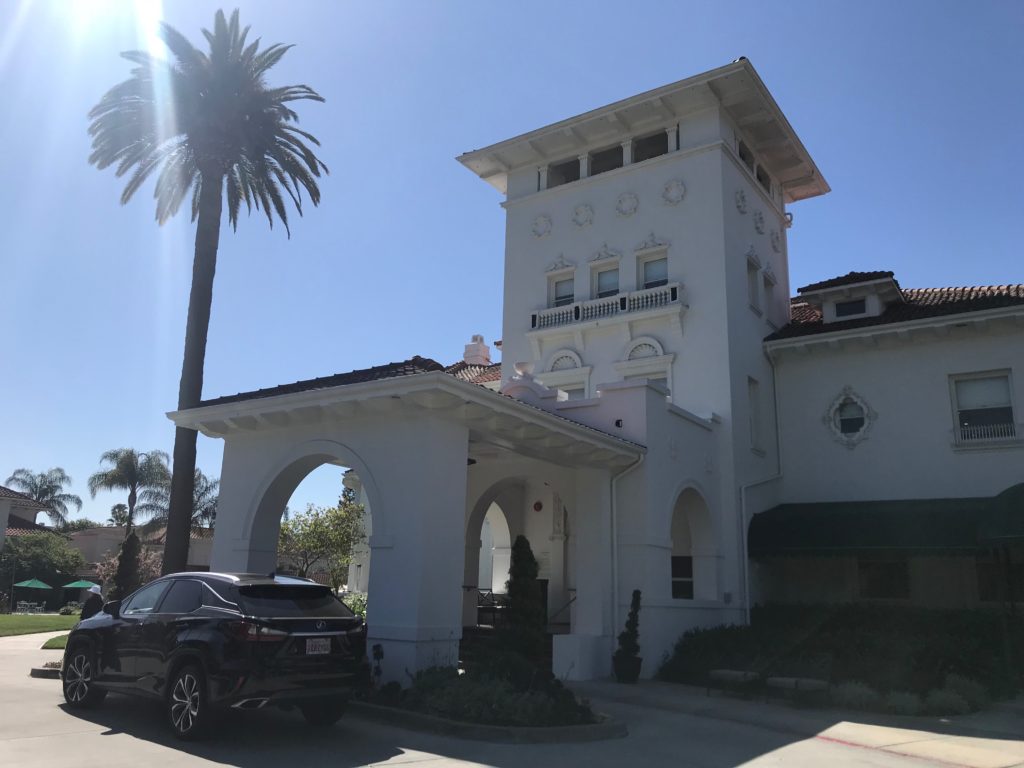
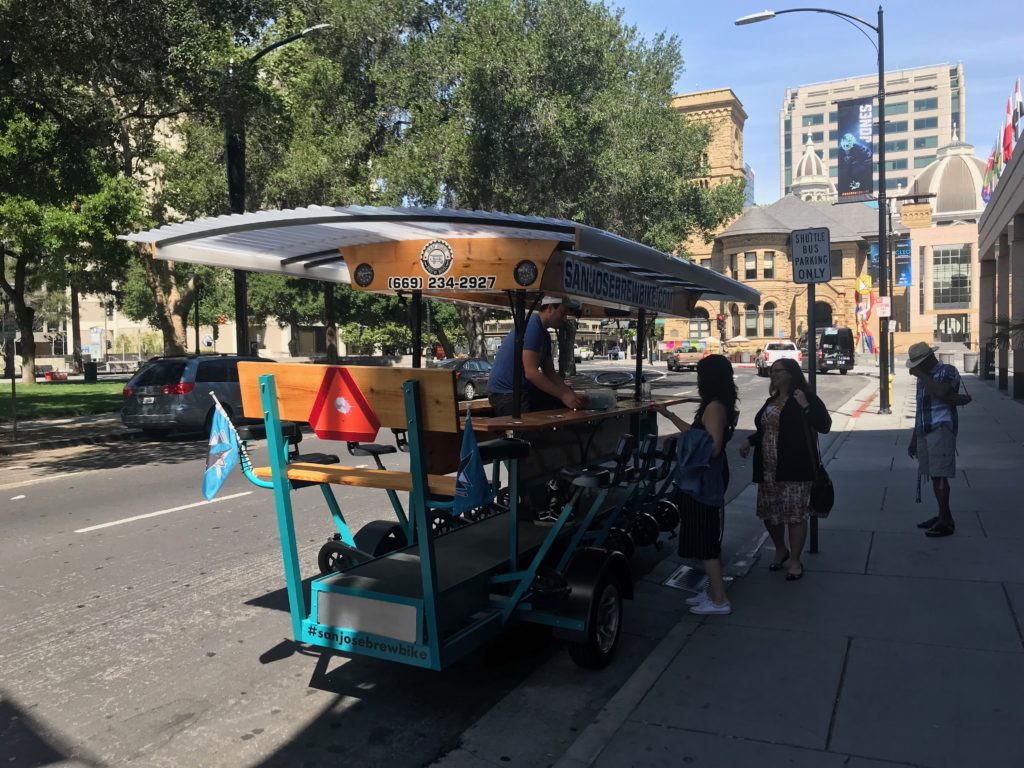
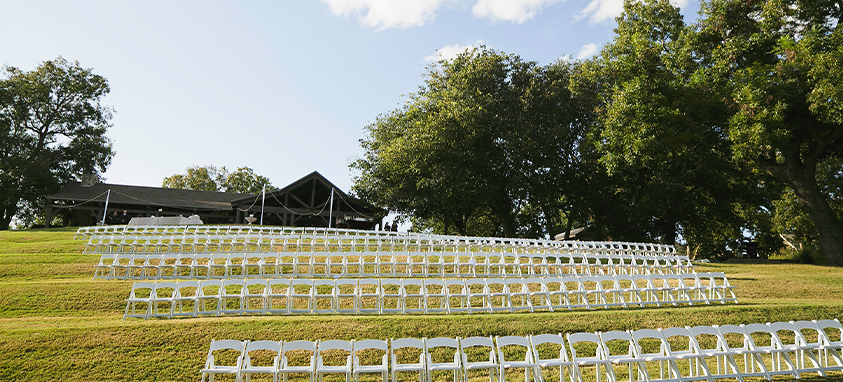
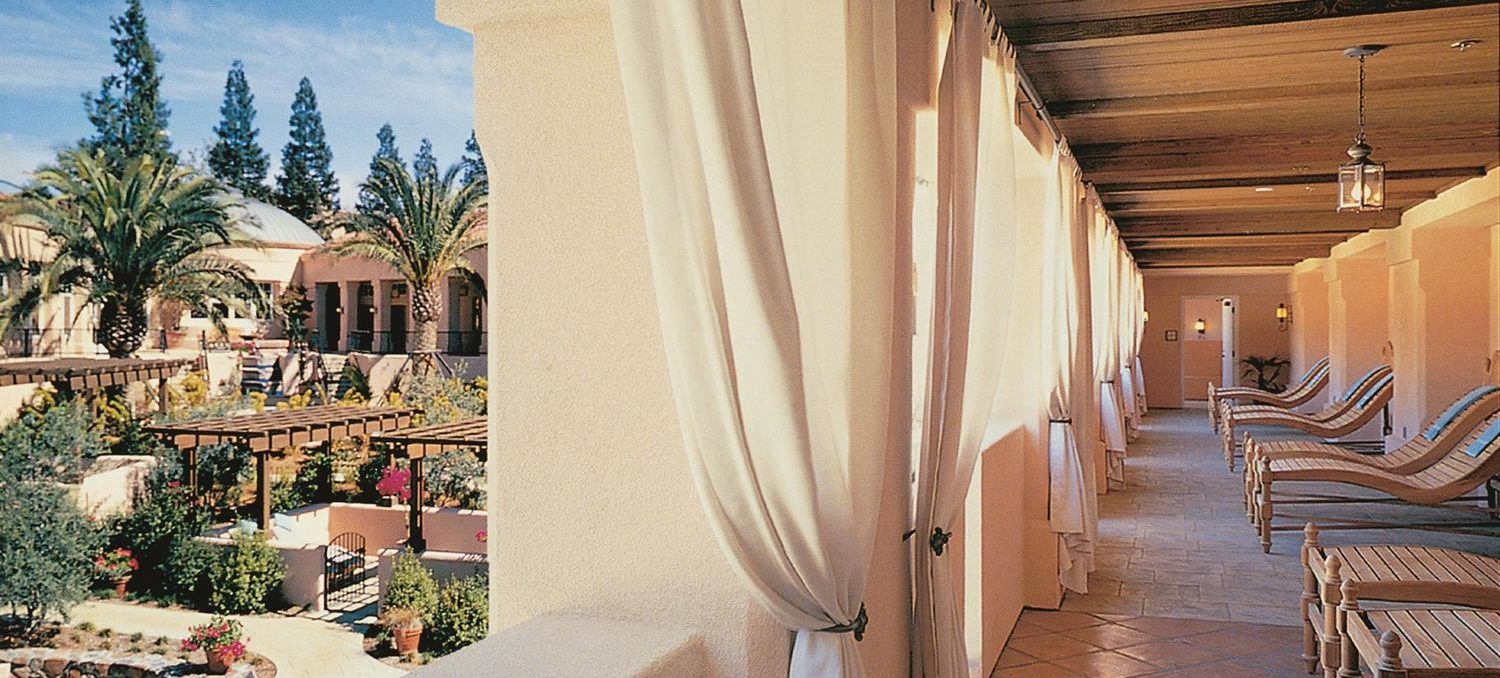
 A gathering in California’s wine country offers endless opportunities for meetings and meals that take advantage of fruits and views of the vine. But at Fairmont Sonoma Mission Inn & Spa, the perfect ending to a day that starts with a dawn hot air balloon ride to add perspective over the vineyards and spends the afternoon relaxing in a private spa cabana could be lobby-adjacent. Sante restaurant is known around the world for its fresh ingredients and innovative pairings. And the magic that happens in the private dining room with personalized attention from Manlee Sui will make anyone feel like a VIP. From truffle confit sunchokes with roasted hazelnuts to Wagyu ribeye with Meyer lemon harissa and grapefruit mojo and the sweet finish of Watmaugh strawberry baked Alaska, every course is paired with local vintages and elevated conversation. “We don’t serve anything that is from a farm we haven’t visited,” Sui said. With 42,555 sq. ft. of meeting space, including the tented Pavilion Room, and 226 guest rooms, this is a retreat to remember.

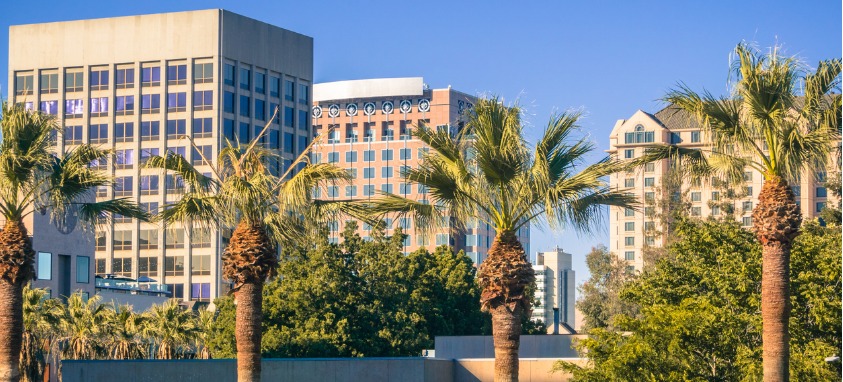
 The capital of Silicon Valley is San Jose and the heart of this innovative enclave is Fairmont San Jose, the largest meeting hotel in the city with 805 guest rooms, 65,000 sq. ft. of meeting space all on the second floor and easy access to McEnery Convention Center. Fountain restaurant is available for intimate, four-course, seasonal chef’s table dinners led by award-winning executive chef Marcelo Salinas. The cultural fusions and thoughtful wine pairings are guaranteed conversation starters. Or embark on a Lip Smacking Foodie Tour of the emerging Santana Row restaurant scene—VIP treatment at four restaurants with no waiting.